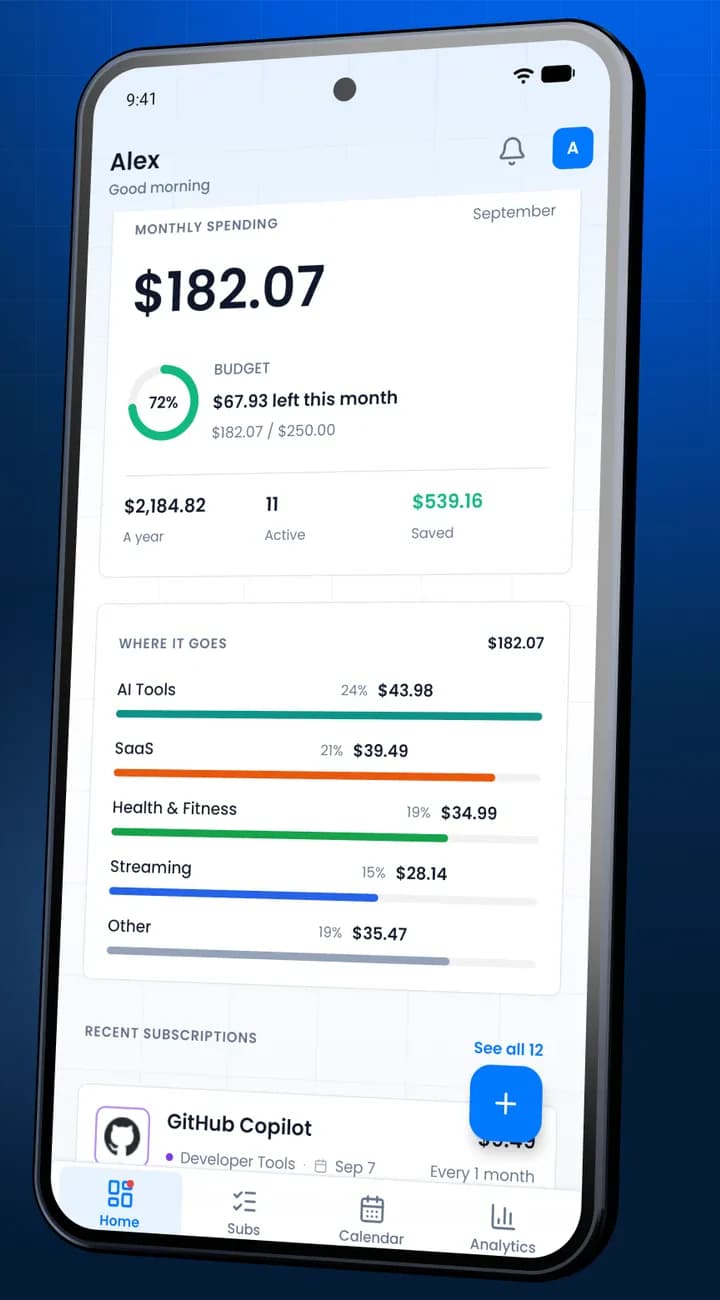
Track every subscription. No bank linking required.
Keep track of what you pay for streaming, apps, and work tools in one private list. Get a reminder before each renewal.
3 subscriptions free · no card · 2-minute setup
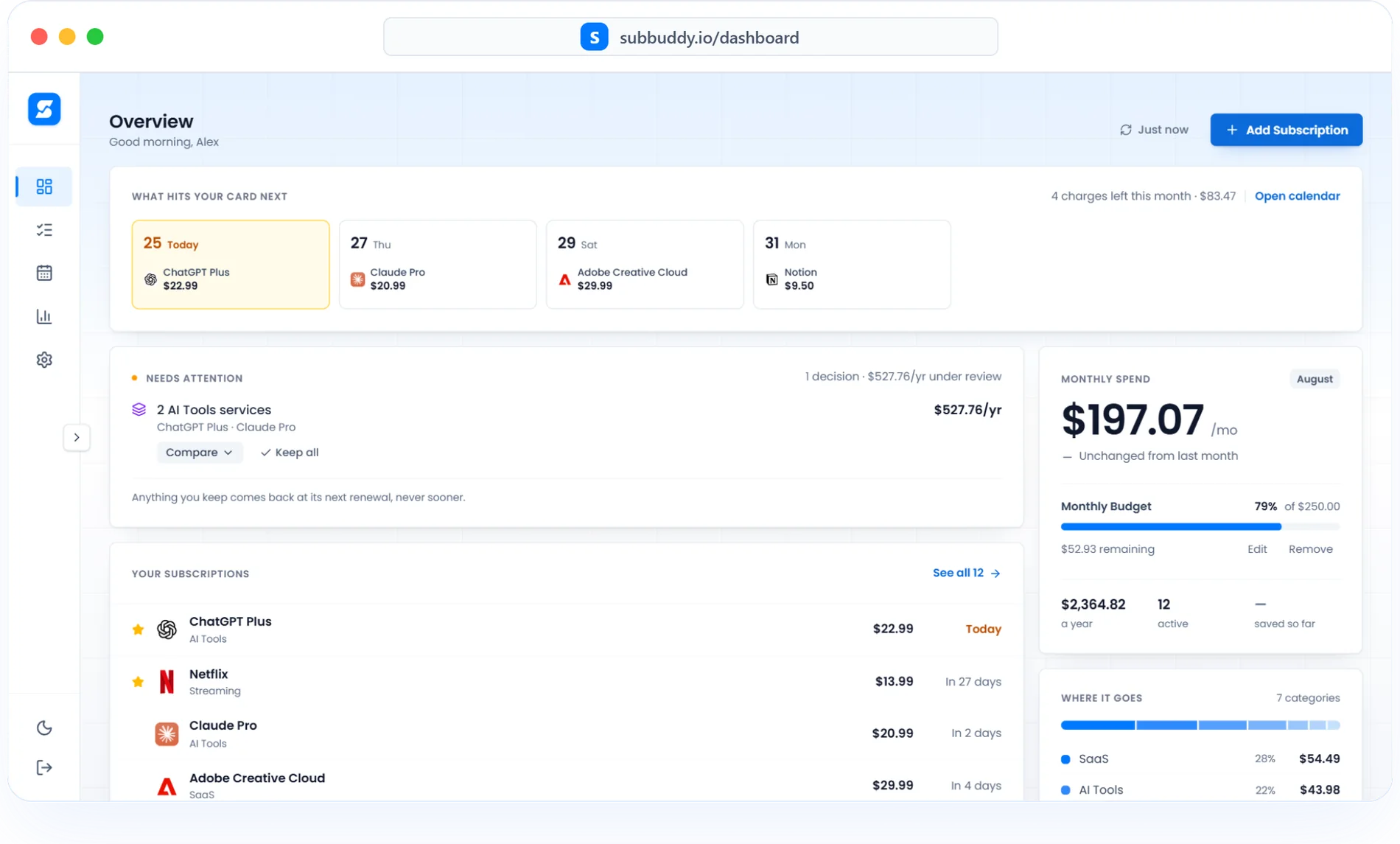
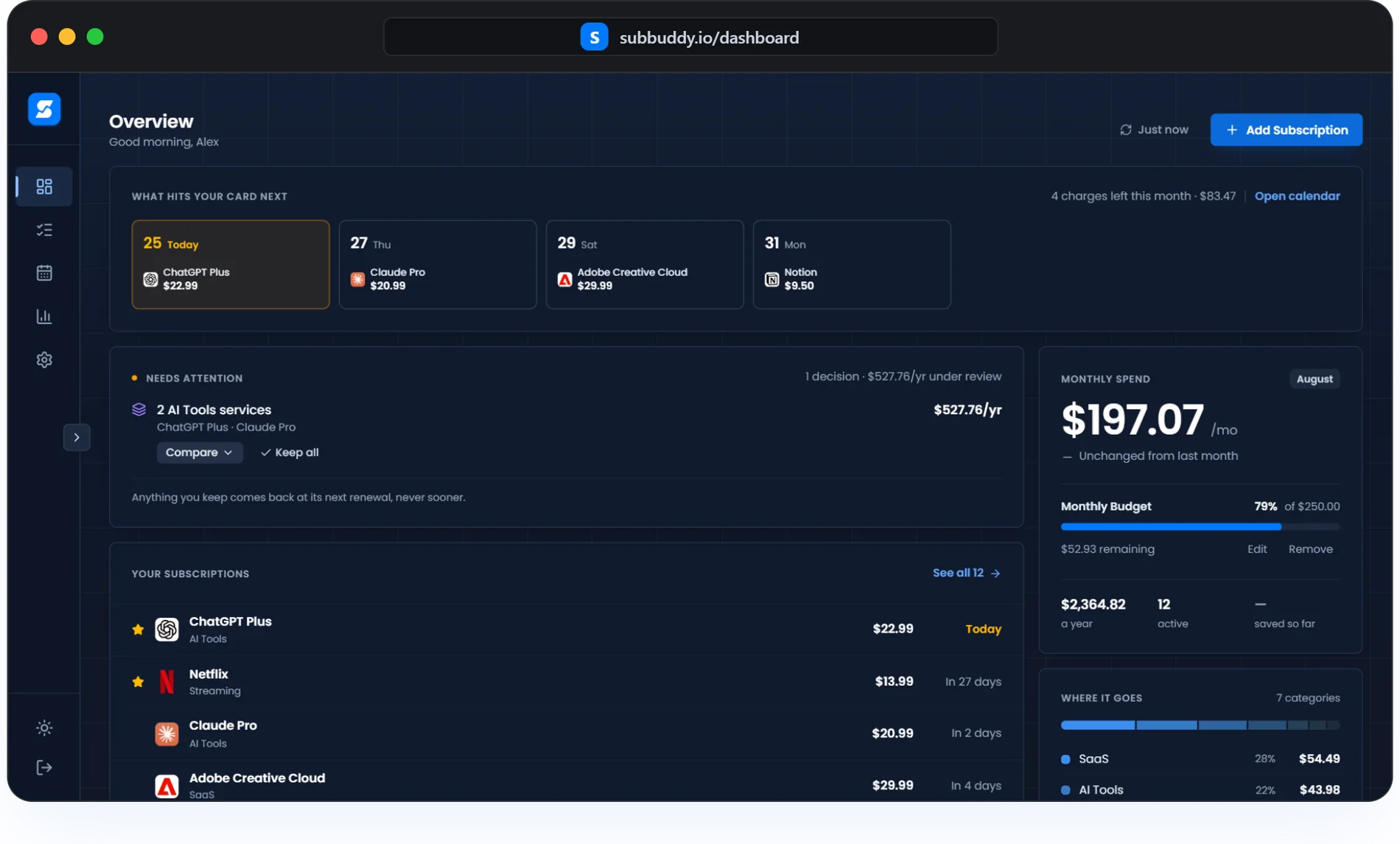
Screenshots on this page are from the live app.
Small subscriptions add up
People guess they spend $86 a month. Listed one by one, it comes to $219. Add yours and see where you land.
Benchmarks from C+R Research and Deloitte 2025 subscription surveys. Read our full data breakdown
What are you actually paying?
Tap what you have. Add anything else.Runs in your browser. Nothing is sent anywhere.
Start with theseBuild your list in a few minutes
Three ways in. None of them touches your bank.
Add a subscription
Type the service, price and renewal date.
Import a spreadsheet
Upload a CSV and check it before saving. Premium and team plans.
Capture a receipt
Add receipts from Gmail, Outlook or Yahoo with the Chrome extension.
Checking account ···· 8841
- Netflix.com-$19.99
- Spotify P2F1C8-$12.99
- Apple.com/bill-$2.99
Only these reach SubBuddy
Your SubBuddy list
- Netflix · Standard$19.99/mo
- Spotify · Individual$12.99/mo
- iCloud+ · 200 GB$2.99/mo
Know what renews next
The next 30 days of charges in one view, with time to cancel what you no longer use.
See your own next 30 days- +3dSpotify · Family$21.99
- +7diCloud+ · 2 TB$9.99
- +12dNetflix · Standard$19.99
- +18dGym · Monthly$29.00
- +24dAdobe CC · Photography$19.99
- +29dDomain · Annual renewal$14.00
Leaves your account in the next 30 days
$114.96
Example list. Your own is whatever you add.
What SubBuddy users actually say
SubBuddy helped me see exactly what I was paying for and cancel subscriptions I had forgotten about.
The calendar view made shared household renewals easier to plan. We finally stopped being surprised by yearly charges.
I run a small business and SubBuddy gives me a clear view of the SaaS tools we renew every month.
Pick a plan
Start free with 3 subscriptions. Upgrade only when you outgrow it.
Free Plan
Free forever — no card needed
What's included
- Up to 3 subscriptions
- Calendar view
- Basic monthly spending total
Monthly Plan
Try free for 1 month — cancel anytime
Everything in Free, plus
- Unlimited subscriptions
- AI insights and recommendations
- Advanced analytics & forecasting
- Customizable renewal alerts
Lifetime Plan
Pay onceLaunch pricing
Everything in Monthly, paid once
- All future updates & features
- 30-day money-back guarantee
Secure payments via Stripe · Cancel anytime
For a team or agency?Team spaces from $29/month
Frequently asked questions
Does SubBuddy cancel services for me?
You cancel or change a plan directly with the service provider. SubBuddy helps you track renewals, save cancellation links, and record your decision. Marking an entry as canceled does not stop the provider from billing you.
What can I do with the Free Tier?
The Free Tier lets you track up to 3 subscriptions, view your calendar, and see your basic monthly spending total for free, forever. Premium and Lifetime remove the 3-subscription cap.
How does the Lifetime Plan work?
One payment covers every Premium feature, now and as new ones ship. There is no monthly or yearly renewal, and no upgrade fee later.
Is my payment information secure?
Payments are handled by Stripe, a certified PCI Service Provider Level 1. Card details go to Stripe; they never reach our servers.
Can I cancel my SubBuddy plan at any time?
Yes, you can cancel your monthly Premium subscription at any time from your account settings. You will retain access to Premium features until the end of your current billing period.
Is there a mobile app?
The Android app is out now on Google Play, and it syncs with the same account you use on the web. An iOS app is in development. SubBuddy also works in any mobile browser.
Get the Android appSomething not answered here?Contact support
Start tracking every subscription before the next renewal.
Two minutes of typing gives you the total, the next charge date, and a warning before it lands.
3 subscriptions free · no card · no bank linking

SubBuddy for Android is free. Sign in and your list is already there.